Navigating the catalog
Browsing and filtering the catalog
2 min read
The catalog is large on purpose. Filtering is how you get from everything to the right thing in about a minute.
- 1
Start with the outcome, not the title
Decide what you want the group to leave with — more trust, a decision, a plan, a skill — then pick the category that matches that outcome.
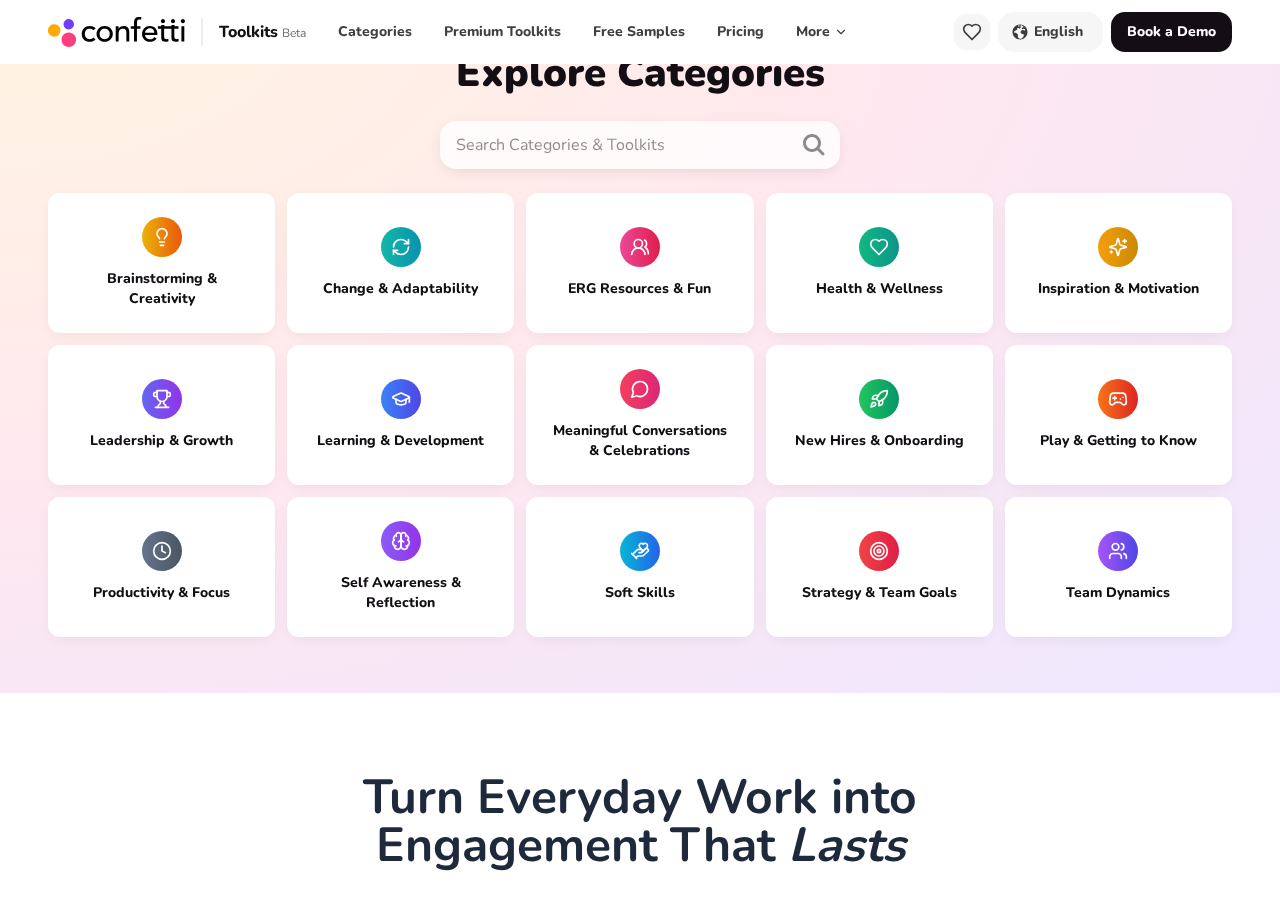
Fifteen categories, each grouped by the outcome it delivers. - 2
Search by keyword
The search box above the category tiles searches both categories and individual toolkits, so a term like onboarding or feedback jumps straight to relevant sessions.
- 3
Use the category stats to sanity-check fit
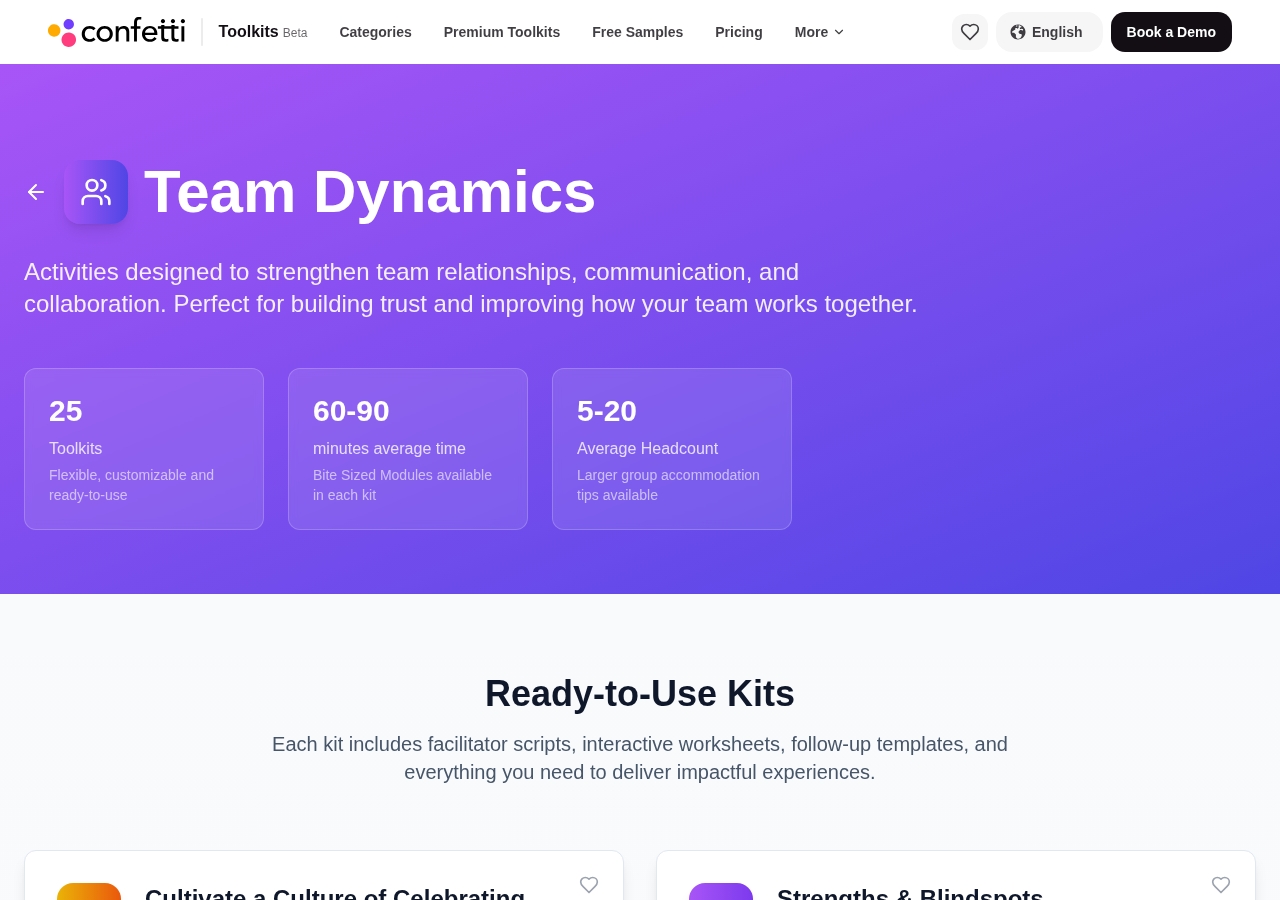
Each category page states the typical session length and average headcount before you scroll a single card, so you can rule a whole category in or out quickly.
- 4
Compare the cards
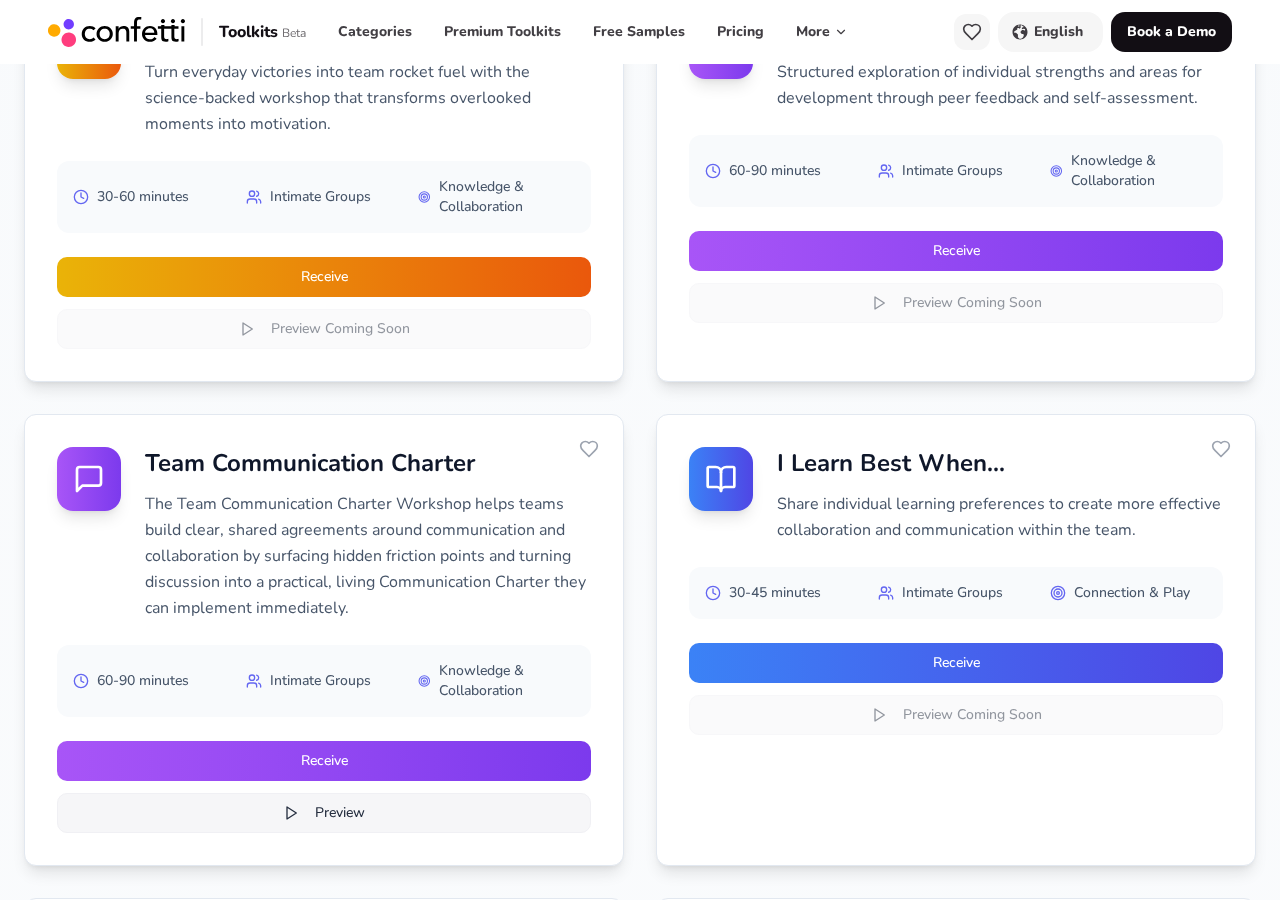
Within a category, compare duration, group size and experience type across cards. Those three constraints rule out otherwise perfect sessions, so check them before you shortlist.
- 5
Save and share the shortlist
Open the builder and describe the same brief to turn your shortlist into a recommendation list. From the results you can download a PDF with clickable links to each experience in the catalog — the easiest thing to email or drop into a channel — or send colleagues to the builder with the same brief so they get the same set.
Ready to put this to work?
Generate a personalized set of recommended experiences and share it with your team.
Get personalized Toolkit Recommendations