Build your suggested toolkit plan
Build a personalized toolkit plan
4 min read
Generate your own recommendation list in about two minutes, either through the guided questionnaire or the open AI prompt.
- 1
Open the builder
From the Resource Center, choose Get personalized Toolkit Recommendations. You will be offered two ways to get recommendations — pick whichever suits you.
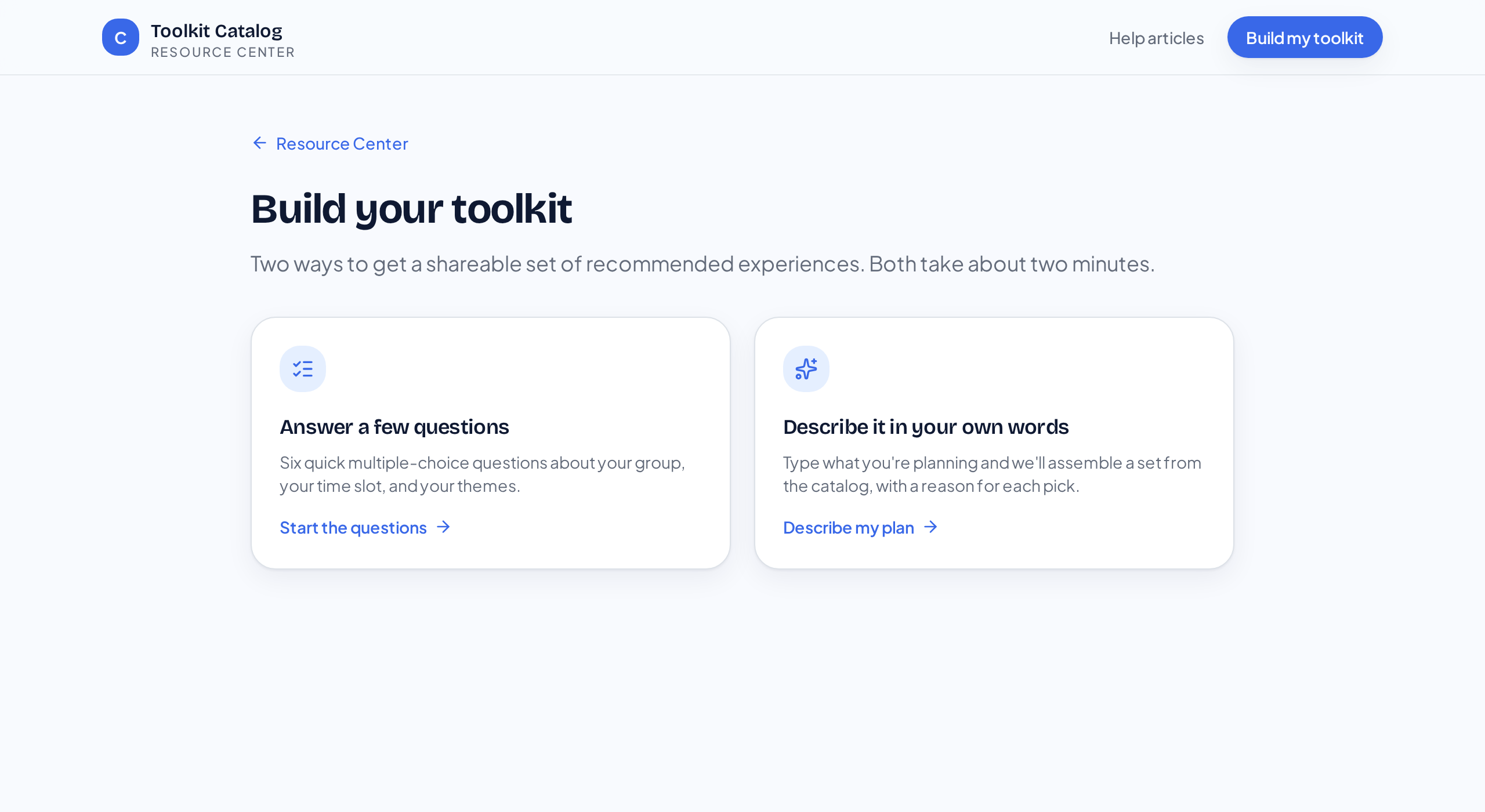
Both routes produce the same kind of recommendation list. - 2
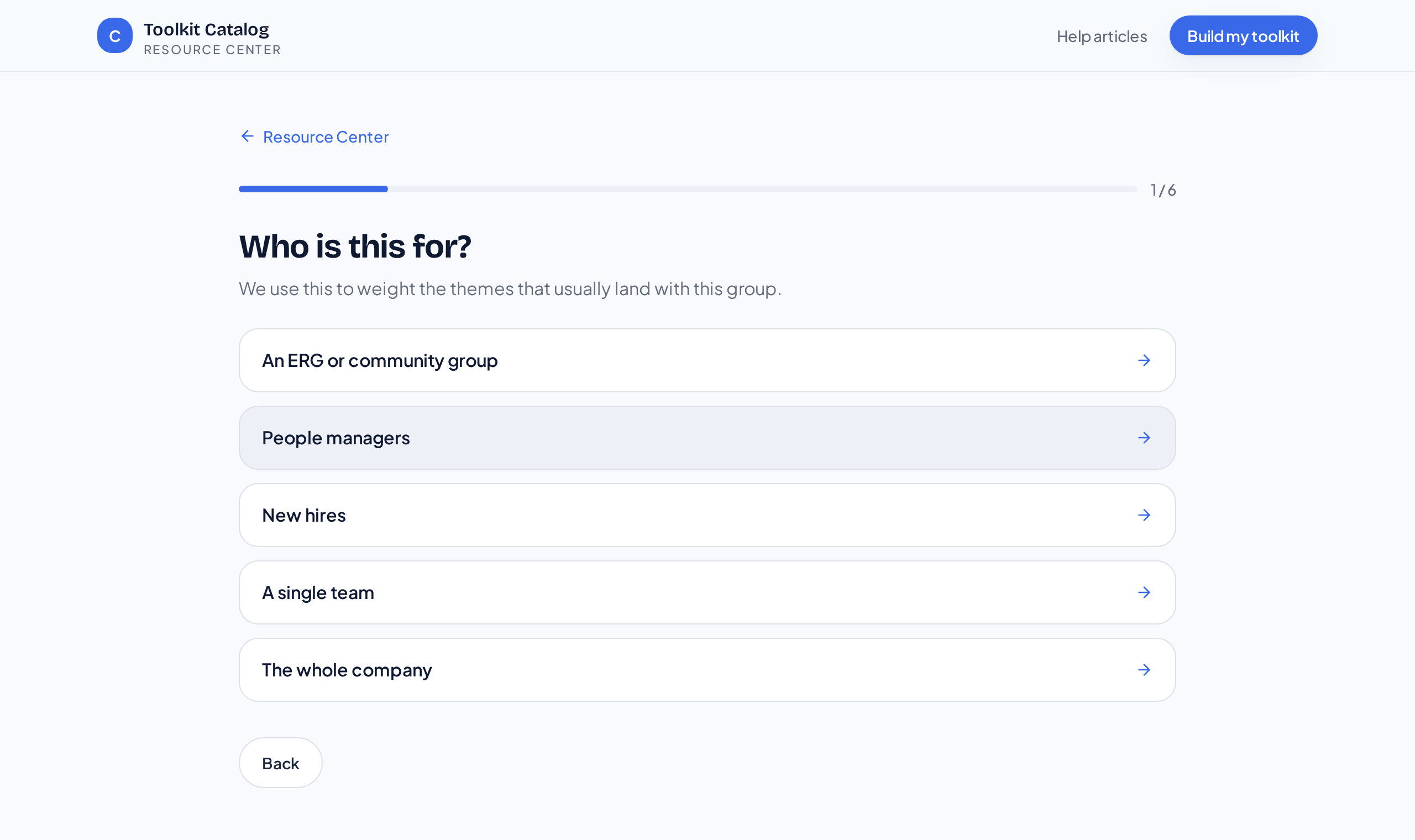
Option A — the guided questionnaire
Six short questions about your group: who they are, what you're trying to achieve, how many people, how long you have, virtual or in person, and the themes that matter.
- No free typing required
- Best when you know your constraints
- Takes about a minute
- 3
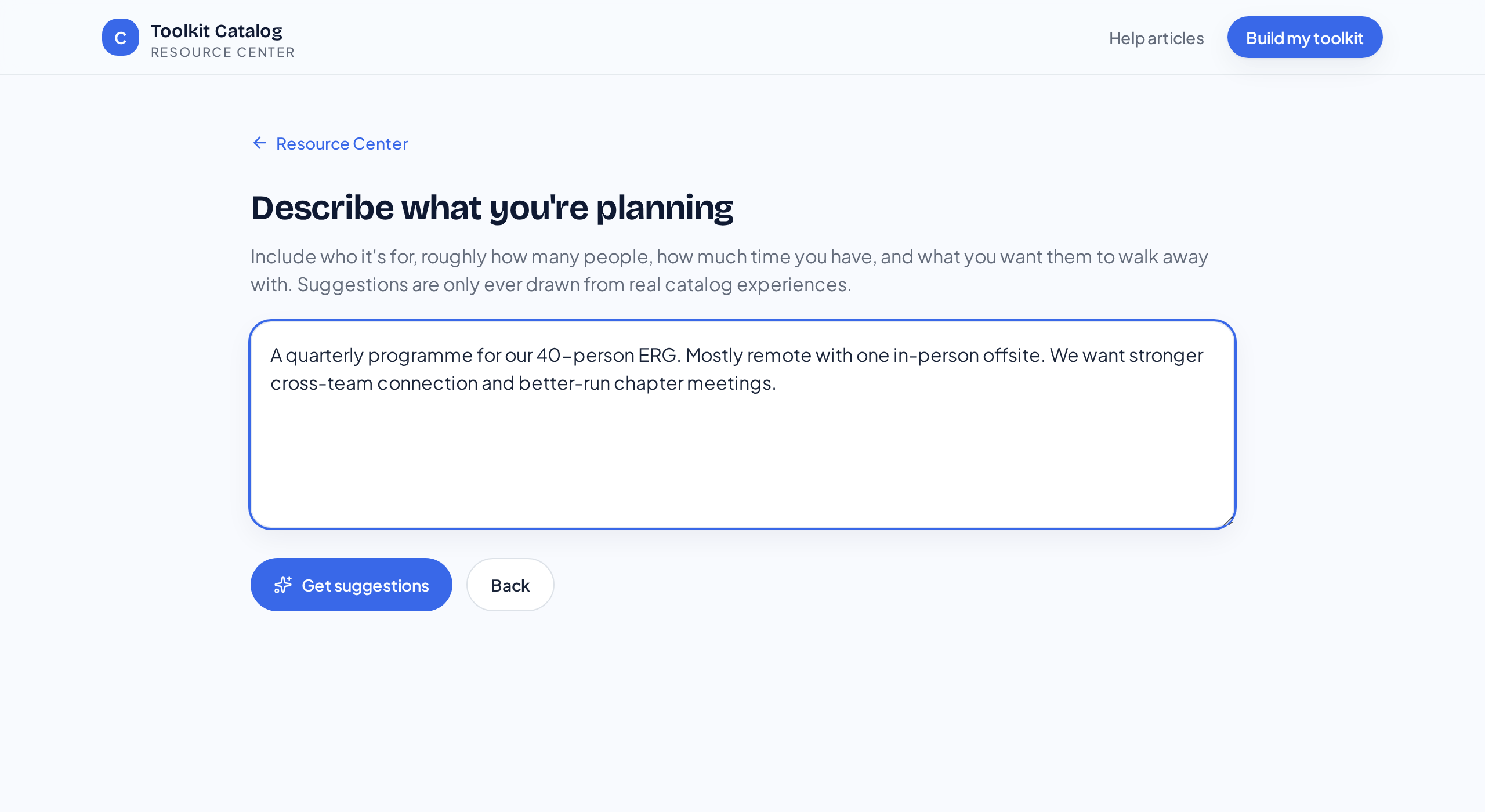
Option B — describe it in your own words
Type what you're planning in plain language — for example, 'quarterly ERG programme for 40 people, mostly remote, focused on cross-team connection'. The recommendations are assembled from real catalog experiences only.
- 4
Review and adjust
Each recommendation comes with a one-line reason. Remove anything that doesn't fit — you stay in control of the final list.
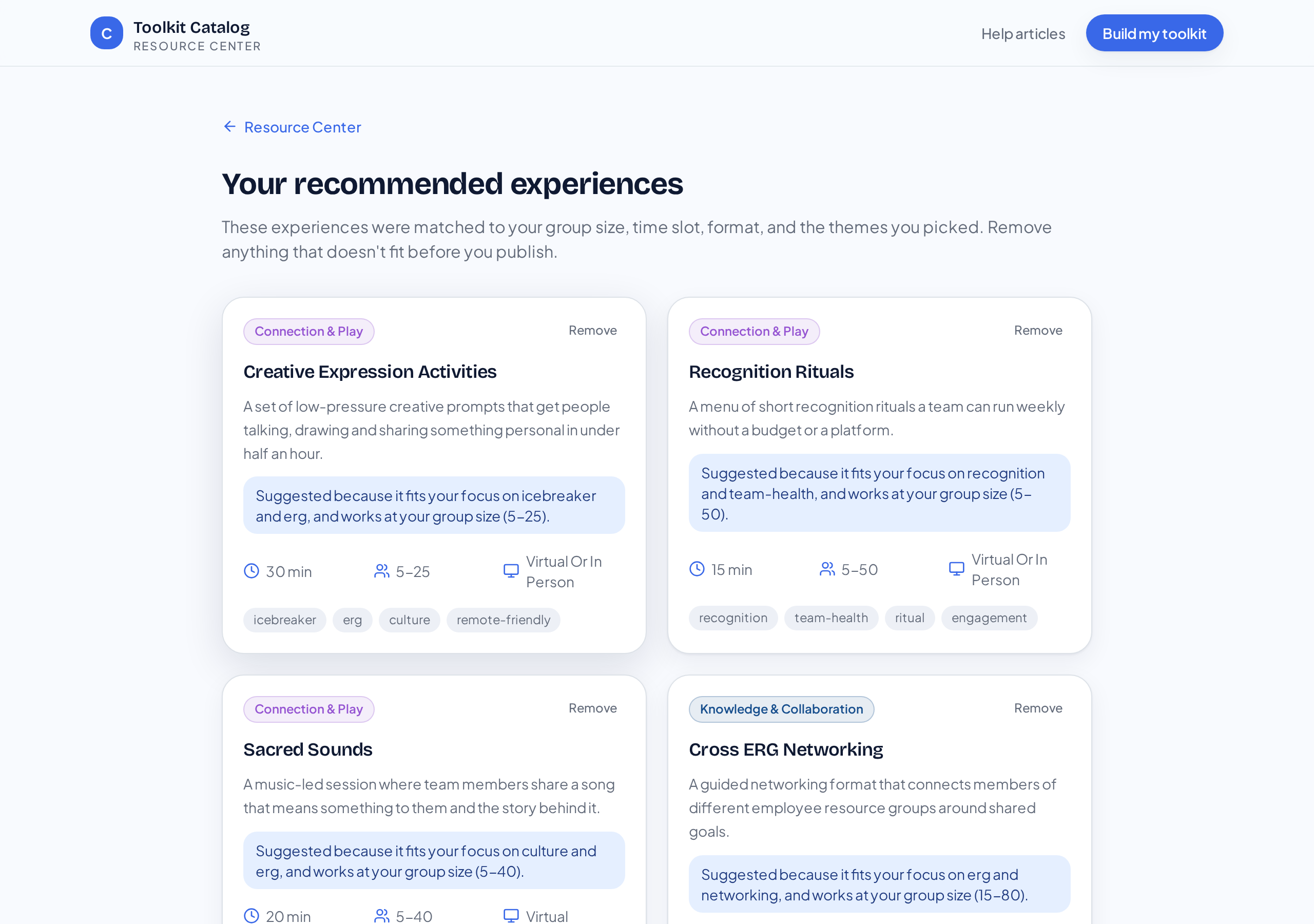
Every suggestion explains itself, and you can drop any of them. - 5
Share it with your team
Select Download PDF on the results page to save your list as a PDF. Each experience keeps its reason, duration, group size and format, plus a clickable link straight to that experience in the Toolkit Catalog — so colleagues can open it without repeating the search.
What the recommendation list does and does not do
The list is a browsing aid. It shows titles, descriptions, and objectives. Downloading the actual materials still goes through the Toolkit Catalog's approval check, so a recommendation list never grants access to anyone who isn't approved.
Ready to put this to work?
Generate a personalized set of recommended experiences and share it with your team.
Get personalized Toolkit Recommendations